
Navigating by address and tree path
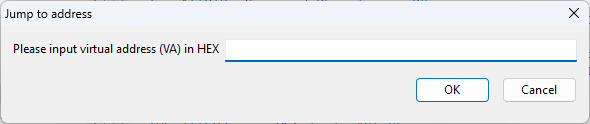
Tools > Jump to virtual address opens a location by its virtual address.
Use Ctrl+G or select Tools > Jump to virtual address, enter the required address and confirm. Addresses refer to the currently analyzed build. File offsets and virtual addresses are different coordinate systems; keep that distinction when comparing a listing with bytes in the file.
Sharing a tree location
In the project tree, use Copy the name of section or Ctrl+C to copy the selected object's path. Use Jump to the section or G to navigate with a copied path in the corresponding analysis.
You can also select an address in the listing before invoking Ctrl+G. Use viewing history to return after following a reference; mouse Back and Forward buttons retain the position within a procedure. A path or address shared with another analyst is meaningful only in the context of the same binary and compatible recovered structure.