
Inspecting and patching bytes
Use the HEX Editor tab to inspect and edit the file bytes underlying the recovered code and form data.
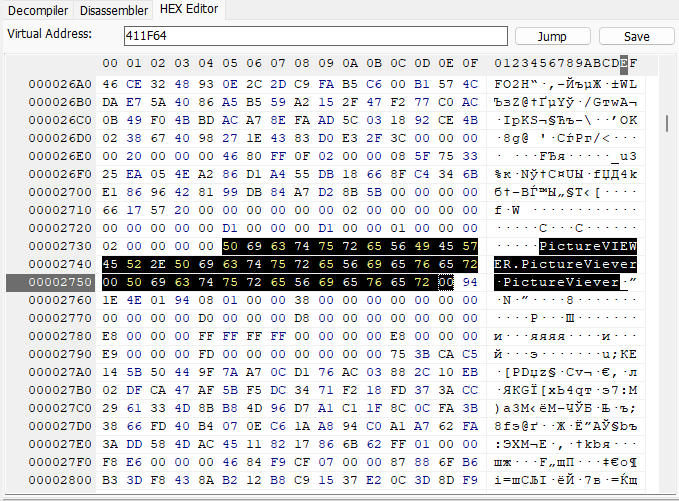
Inspecting file data
Open HEX Editor alongside the code or form view. Navigate using a virtual address, including Image Base, or a file offset measured from the start of the file. Compare the displayed bytes with the corresponding native instructions or recovered form data.
Editing bytes
The HEX Editor supports editing individual bytes and blocks of data within the file. Check whether the location is expressed as a virtual address or a file offset before making a change.
Work from a separate analysis copy. Reopen or reprocess affected code as needed after a change, especially when cached listings are enabled. Preserve both the original bytes and the change record when comparing behavior or documenting an investigation.