
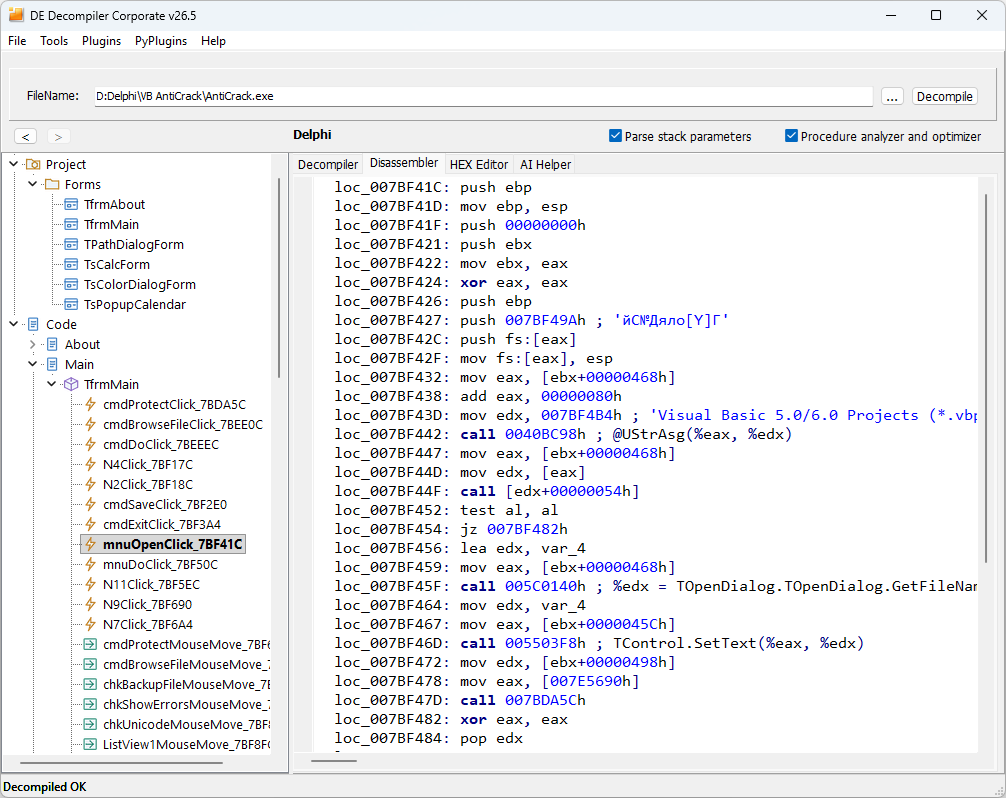
Disassembly display
The Disassembler shows native instructions for checking code recovered from supported applications written in Delphi or built with C++Builder.
Display options
Add HEX dump displays machine-code bytes before each instruction. Ignore chars convertions keeps non-English strings readable instead of converting their characters to numeric Unicode values. Disable it when you need the numeric representation. Use code addresses to move between the listing and the HEX Editor.
User classes and VCL classes
In Tools > Options > Disassembler, Show user classes includes discovered application classes in class processing, filtering recognized library units and inherited methods. Application classes with names that also occur in libraries are retained when their unit identity distinguishes them. Show VCL classes also includes internal VCL library classes and the complete class view, including compiler-generated frames. The latter can add many library classes to the analysis; leave it disabled when you want to concentrate on the application's own implementation.
Enable VCL-class processing when the investigation requires the library implementation as well. Set the required class options before opening or reprocessing the file. Both controls are shown in Program options.
Comparing interpretations
Check argument preparation, field accesses, conditional branches, calls and returned values against native instructions. A readable high-level statement can omit a detail that matters to a security investigation.
The Copy to disassembler workflow combines reconstructed statements with native instructions. See Viewing and comparing code.